Emulation
Is Downloading Switch ROMs Legal If You Own the Physical Cartridge?
Owning the cartridge grants you a license, but copyright law and encryption restrictions make downloading a digital copy a legal minefield.
7 min read
 Practical guides to gaming applications and news
Transform blurry Wii classics into crisp 4K remasters by safely loading community texture packs in Dolphin without triggering memory crashes.
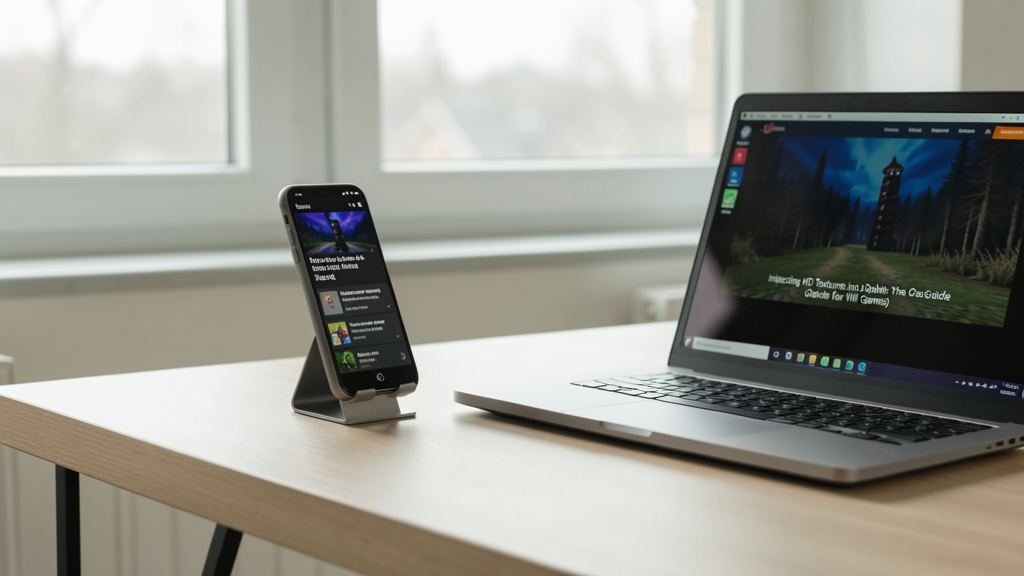
Editorial image illustrating Injecting HD Textures into Dolphin: The Crash-Free Guide for Wii Games
Playing Super Mario Galaxy or The Legend of Zelda: Twilight Princess on a modern monitor in 2026 is a stark reminder of how quickly display technology has outpaced the Wii's hardware. The internal resolution of the Wii caps at 480p, and even with Dolphin's upscaling magic pumping the output to 4K, the original assets look like mud smeared across a pristine pane of glass. The geometry holds up, but the textures do not.
This is where the modding community steps in. Thousands of hours have been poured into re-creating game assets at 4K and 8K resolutions. However, injecting these packs is not as simple as dragging and dropping a file. I have seen countless users crash their emulator immediately upon loading a save state because they ignored VRAM limits or misconfigured the file directory. If you want to play Mario Galaxy in high definition without Dolphin throwing a fit, you need to follow a specific workflow that prioritizes system stability over raw visuals.
Before you download a single file, you need to understand why Dolphin crashes when loading these packs. The GameCube and Wii were designed with a tiny amount of memory—24MB of main RAM and 3MB of video RAM. Texture compression was aggressive. When you inject a 4K texture pack, you are replacing assets that were originally kilobytes in size with files that are megabytes heavy.
If you simply load a 4K pack for a game like Xenoblade Chronicles on a system with 16GB of RAM without the right settings, the emulator will attempt to cache thousands of high-res textures into memory simultaneously. This hits a hard ceiling, and the process terminates. The solution isn't just having a powerful PC; it is managing how Dolphin loads those assets. We are going to use a method that trades a slightly longer boot time for runtime stability.

Not all texture packs are created equal. In the emulation scene, you will generally find two formats: PNG and DDS.
PNG files offer the highest possible quality with lossless compression, but they require the CPU to decode them in real-time. This causes massive stuttering every time you enter a new room or pick up a new item. This is known as "shader compilation" stutter, but for textures.
DDS (DirectDraw Surface) files are the gold standard for Dolphin. They are GPU-ready, meaning the graphics card can read them natively without decoding. This significantly reduces the load on your CPU. When selecting a pack in 2026, always look for a "DDS" version or a tool that can convert PNGs to DDS. Using raw PNGs for a massive game like Metroid Prime Trilogy is a recipe for a memory overflow crash.
Dolphin is strict about directory structures. If your texture folder is one level too deep, the emulator will not see it.
Documents/Dolphin Emulator/Load/Textures).You should see an empty folder (or folders if you have done this before). This is the staging ground.
You cannot just rename the folder "Mario Textures" and expect it to work. Dolphin relies on unique 6-character Game IDs to match textures to the correct ISO.
RMGE01.RMGE01) into the Load/Textures directory you opened in Step 2.If the pack you downloaded does not have a folder named with the Game ID, create one manually, name it correctly, and dump the texture files inside. Failure to match this ID is the number one reason users boot up a game and see no visual difference.
This is where most guides stop, and where I continue. If you boot the game now, you might see the textures, but you risk crashing. We need to adjust the Graphics settings.
Why this matters: By default, Dolphin loads textures asynchronously—lazy loading them as they appear on screen. This causes stutter. Prefetching tells Dolphin to load every single texture into RAM when the game starts. Yes, the initial load screen will take longer, sometimes up to 30 seconds or a minute. But once you are in the game, the risk of a crash drops to near zero because the hard work is done upfront.
We need to pause for a reality check on the legal side of this equation. High-definition texture packs exist in a gray area. While downloading a pack created by a fan is usually fine, obtaining the base game files (the ROM or ISO) to run on Dolphin is where the line is drawn.
You should only be injecting these textures into games you physically own and have dumped yourself. The Is Downloading Switch ROMs Legal If You Own the Physical Cartridge? debate rages on, but the consensus among preservationists is clear: personal dumps are the only defensible path. Using a downloaded ISO from a torrent site to play a modded version of a game you sold in 2010 is piracy, plain and simple.
You have followed the steps, enabled Prefetch, and booted the game. Instead of a 4K wonderland, you see black textures or the game freezes at the "Now Loading" screen.
This usually happens for two reasons. First, you might have a "Hybrid" pack. Some packs mix 4K environment textures with lower-res character models. If the pack author included a "load_ini" file that conflicts with your settings, Dolphin might struggle to prioritize the assets.
Second, check your Internal Resolution setting under the enhancements tab. If you are trying to render at 8K resolution and load 4K textures on a GPU with less than 12GB of VRAM, you will hit a memory allocation error. Drop the Internal Resolution to 3x or 4x (roughly 1440p to 2160p equivalent). The texture pack does the heavy lifting for sharpness; the internal resolution just needs to be high enough to not blur the pack.
For those of us obsessed with image quality, texture injection is only half the battle. While texture packs fix the flat, low-res artwork, the geometry itself is still rendered at a low polygon count. This is where modern upscaling tech comes into play.
Texture injection works phenomenally well when paired with AI-driven upscalers. While we are replacing assets here, similar techniques are used to make PS2 games look like modern remasters. If you are interested in how upscaling algorithms compare to raw texture replacement, our breakdown on How FSR and XESS Make PS2 Games Look Like 4K Remasters on PCSX2 explains the symbiotic relationship between resolution scaling and texture clarity.
Successfully injecting an HD texture pack feels like discovering a lost director's cut of a favorite film. It breathes new life into the code, making the 15-year-old logic of the Wii feel responsive and vibrant again. However, remember that this process is inherently fragile. Texture packs are often abandoned by their creators, leaving bugs in later levels that never get fixed.
If you encounter a crash two hours in, disable the pack, verify the base game works, and then try toggling off the "Prefetch" option for that specific area, accepting some stutter as the trade-off. Emulation is as much about debugging as it is about playing, and getting these games to run in high definition is a labor of love that keeps the history of the medium alive.

Owning the cartridge grants you a license, but copyright law and encryption restrictions make downloading a digital copy a legal minefield.
Discover how modern upscaling technologies specifically target the aliasing issues of standard-def consoles to deliver a crisp 4K experience on PCSX2 without the original hardware blur.